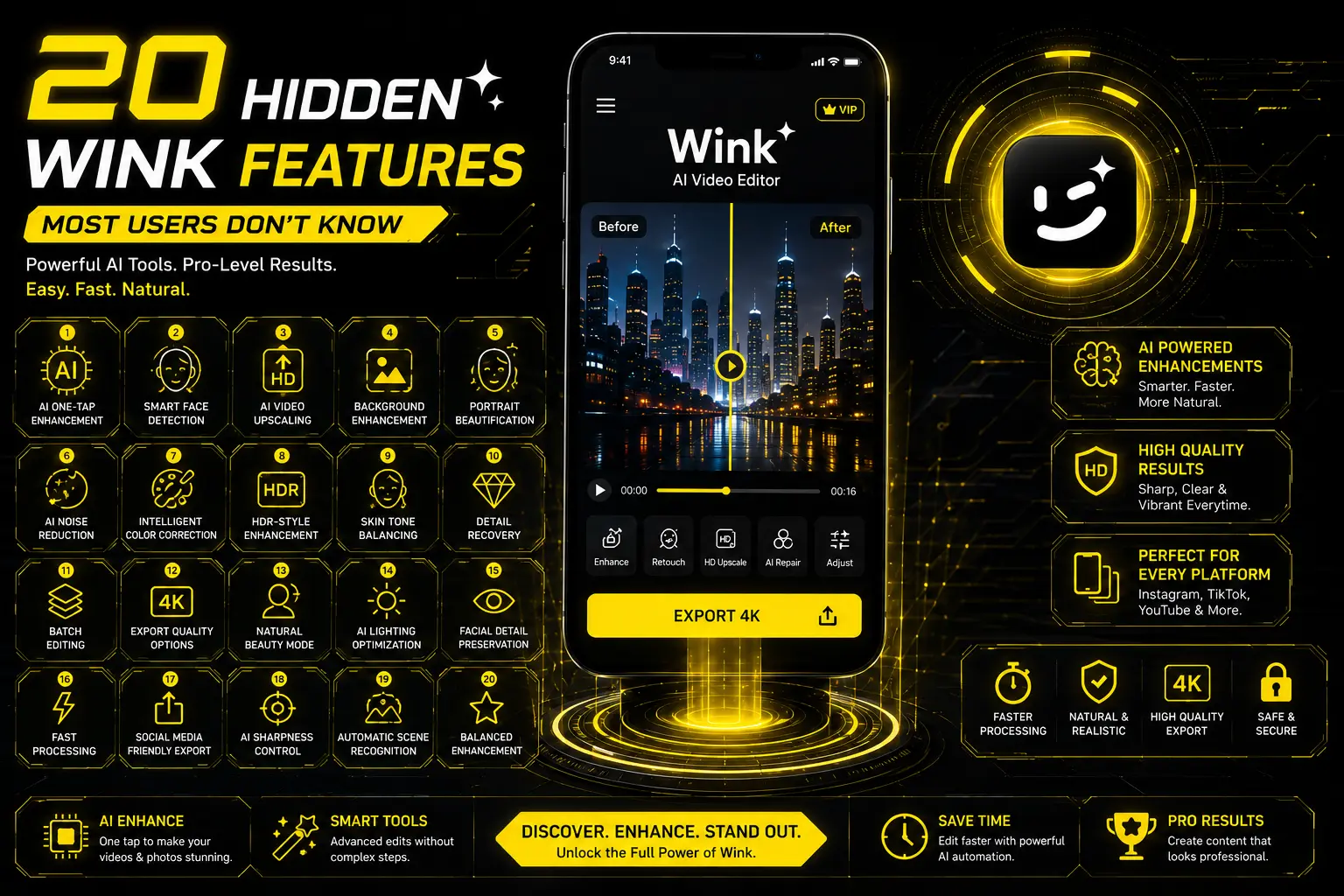
20 Hidden Wink Features Most Users Don’t Know
Most users don’t know there are 20 features in Hidden Wink
AI has revolutionized photo and video editing. Many editing apps can do the work in a handful of taps, instead of manually taking hours to do it. Of these AI editors, Wink is one of the most popular options due to its user-friendly interface and the powerful editing tools it provides.
The majority of users only apply basic beauty filters or AI enhancement to their images using Wink. There are of course a number of powerful features of the app that are not often noted. These tools are there to help you post better content on Instagram, TikTok, YouTube Shorts, Facebook, or even in your own memories, without necessarily having to be a professional editor.
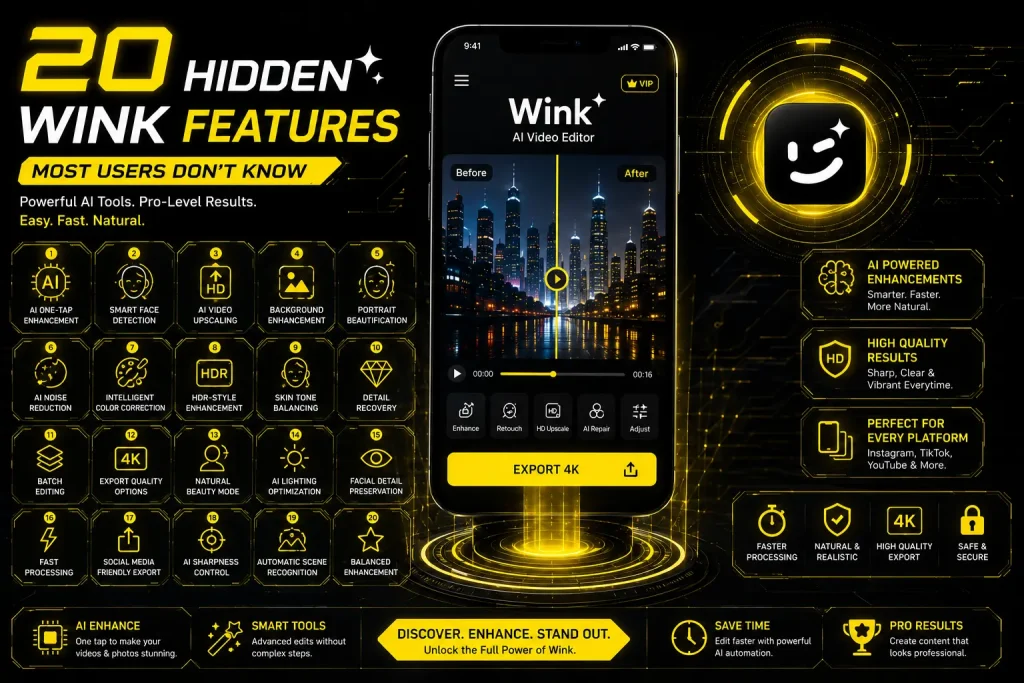
Let’s dive in to 20 hidden features of Wink you may not have known about and what they can do to enhance your editing process.
1. AI One-Tap Enhancement
Some people tweak brightness, sharpness, and contrast settings in their videos prior to the export. Wink’s AI Enhancement feature can analyze the footage and optimize multiple settings simultaneously.
It improves:
This feature is beneficial in that it saves time and also yields professional-like results.
2. Smart Face Detection
Wink automatically identifies faces as opposed to applying the effect to the whole picture.
This enables the app to:
It gives a much more realistic outcome than conventional beauty filters and photo filters.
3. AI Video Upscaling
AI upscaling can enhance the quality of an older or lower-resolution video.
The AI doesn’t just fill in the pixels; it also anticipates what was missing to produce a clearer, sharper image.
This feature is particularly beneficial for:
4. Background Enhancement
Most users pay attention to faces, but backgrounds can also impact video quality.
With intelligent enhancement of scenery, Wink can improve the following:
You don’t have to change the topic; the whole video appears more vibrant.
5. Portrait Beautification Controls
You can make manual adjustments to:
These controls can be carefully used to create a more natural appearance.
6. AI Noise Reduction
Grain is visible in videos recorded during nighttime.
Wink lowers digital noise without compromising the important details, resulting in cleaner and easier-to-view videos in low-lighting situations.

7. Intelligent Color Correction
Not all the time is it perfect lighting.
Wink automatically fixes:
This saves many times the work of manual color grading in that case.
8. HDR-Style Enhancement
Wink is not a true HDR image but will boost dynamic range to show more in bright and dark areas.
This is especially suitable for:
9. Automatic Skin Tone Balancing
Wink adjusts tones more evenly than it would make the skin look white, but it still has a realistic appearance.
This provides more natural-looking photographs without suspicious edits.
10. Detail Recovery
When converting to compressed video, fine textures are lost.
Wink tries to re-establish the following:
This is a subtle improvement that is discernible.
11. Batch Editing
You can edit several photos or videos at once, rather than individually.
This is particularly helpful when creating a consistent style for content creators who are consistent with their publishing.
12. Export Quality Options
Many users just hit Export without knowing what the different quality settings are.
If you are looking for something, you can often select:
Higher settings will appear with better quality but will also use more space.
13. Natural Beauty Mode
A common error is to use deep filters.
Wink’s lightening range of beauty products can sometimes create a more natural appearance while improving facial features.
14. AI Lighting Optimization
Bad lighting does not necessarily equal bad content.
Wink can help illuminate dark areas and maintain shadows while minimizing over-exposure in brighter areas.
15. Facial Detail Preservation
Many editing apps will take the skin out, Wink, on the other hand, attempts to keep it:
This will make the edited portraits appear more realistic.
16. Fast Processing Engine
Most people aren’t aware of the amount of processing that occurs behind the scenes.
Optimized for AI (compared to traditional editing methods), Wink accelerates the enhancement process, making it quicker to get exports on supported devices.
17. Social Media Friendly Export
Various platforms have different compression techniques.
When you are exporting your content to a suitable resolution, it will help keep the quality up upon uploading to:
18. AI Sharpness Control
There are artifacts that are not desired if the amount of sharpening is too great.
Wink sharpness is achieved with the accentuation of essential elements without appearing overly processed.
19. Automatic Scene Recognition
The app can recognize different environments, such as:
It then fine-tunes enhancement parameters according to the scene detection.
20. Balanced Enhancement Instead of Over-Editing
One of the most overlooked is the process of Wink’s ability to make several subtle changes instead of a dramatic change.
Rather than making a significant alteration to your content, it concentrates on:
This ensures that the edited photos and videos are sleek yet not too processed.
Tips to Get the Best Results with Wink
Even the best AI applications are better when combined with good recording practices.
For higher-quality edits:
Enhancing with AI can sometimes lead to less satisfactory outcomes, compared to making small edits during recording.
Final Thoughts
Wink is so much more than just filters and one-touch beautification. These AI features, like AI video upscaling, intelligent face detection, noise reduction, intelligent color correction, and scene recognition, can enhance your photos and videos when done right.
The less-known tools can help you edit more naturally, accurately, and quickly while producing cleaner, sharper images. From producing standout content for social media to enriching your memories, knowing about these hidden features can help you make the most of the app and achieve impressive results.

I’m a passionate digital creator who enjoys exploring technology, websites, apps, and online content. I like learning new things, sharing useful information, and creating simple, engaging content for readers. Through my websites and projects, I aim to provide helpful resources while continuously improving my skills and knowledge.